If you want to use widgets on your WordPress theme, then these are the steps you should take:
1) Create a file functions.php in your theme directory. Add this to the file
2) Open your sidebar.php file and add this somewhere in the ul-list defintion
If you want to use widgets on your WordPress theme, then these are the steps you should take:
1) Create a file functions.php in your theme directory. Add this to the file
2) Open your sidebar.php file and add this somewhere in the ul-list defintion
Goed artikel van Dieter Provoost over de lege Proximedia-doos.
ASZ-Aalst 2008-Mar-06
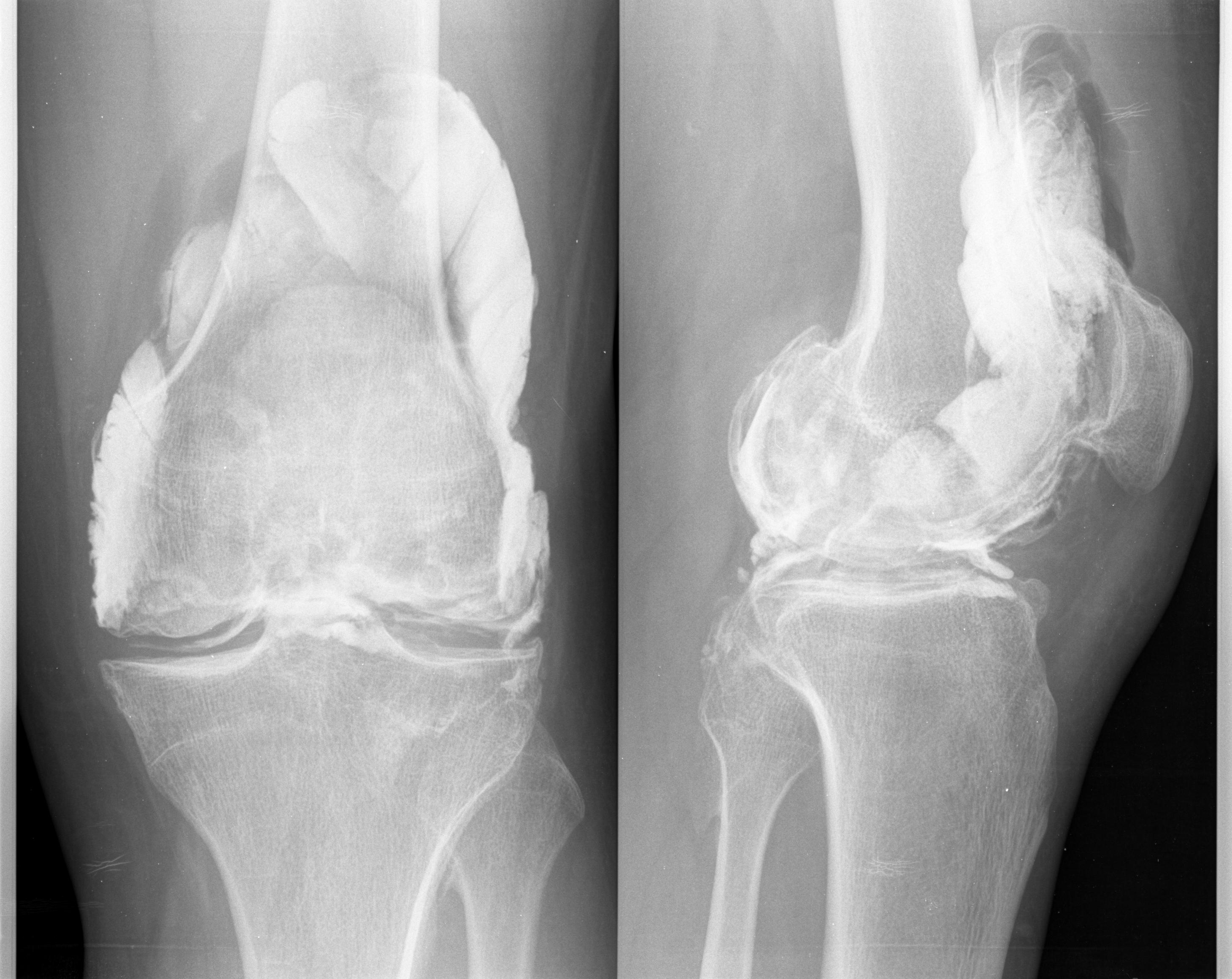
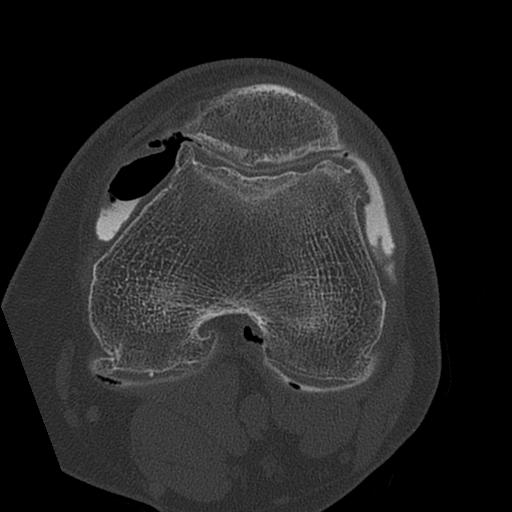
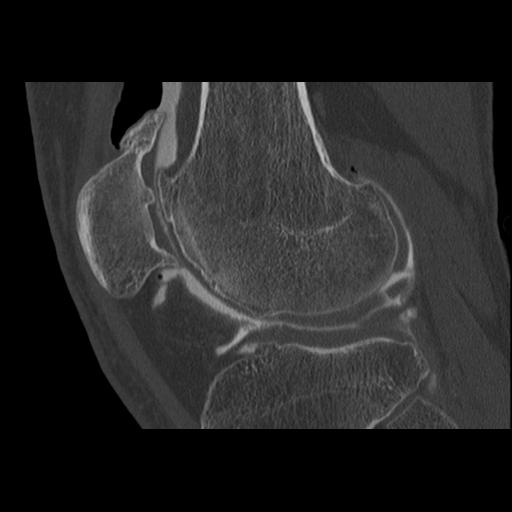
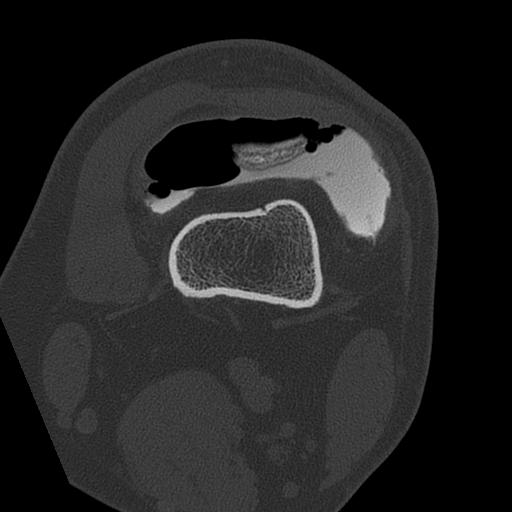
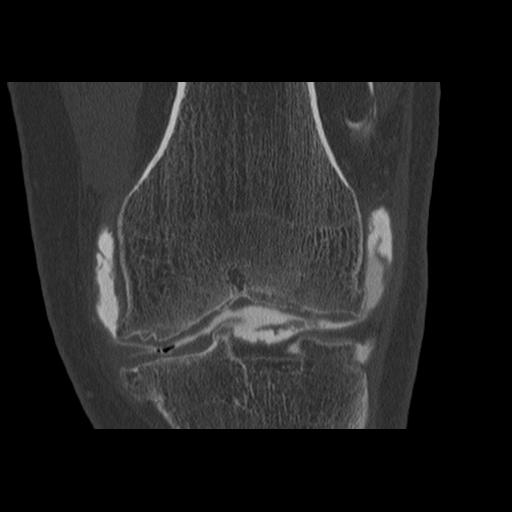
DICOM is a format used by medical devices to exchange images. DICAM stands for Digital Imaging and COmmunications in Medicine. Last week I had some pictures taken from my left knee. The CD with the different was delivered today. Unfortunately the installer / viewer is Microsoft Windows only.
A Google search returned “kradview” as the most promising alternative. It’s QT-based and should run fine. I’ve tried to install it both from source and from an RPM file (convert it with alien) but without any luck.
The Ubuntu repository has a package xmedcon, the GUI X Window System Medical Image Conversion Utility. It’s a basic X11 applications and doesn’t look as smooth as kradview but at least it works.
Install the kio-plugins
Get a list of all the installed packages / applications in Ubunto or Debian Linux with
You can get the contents of one package with
Everyone knows the default Google queries, you get your URL’s, keywords and the headline of the pages in the result-query. It doesn’t stop there …
Google has some new features to improve the “search experience”. You can view your results on a timeline, map or in context of other information types. Take a look at Alternate views for search results and prepare yourself to spend a couple of hours of “ohwh”s.
Occasionnly you have a process that’s been running for a while and you decide that it’s time to log out. Of course, you’ve forgotten to use screen so when you log out, the process dies. The post by Rusell Coker shows that it is still possible to redirect the output of a running process. The process for doing so involves looking up the file handles used by the process (in /proc/
There is a very interesting post by Adrian Pastor about authentication bypass.
He talks about the well known vulnerability in the Linksys WRT54G router where the page that contains the different settings is password protected but the page that does the actual processing of the data (for the Linksys, a CGI script) was not protected at all.
An interesting post by Jennifer Leggio on Security Twits (Security folks using Twitter).






Graphs made with cudeso posts stats
By continuing to use the site, you agree to the use of cookies. more information
An HTTP cookie, is a small piece of text sent from a website and stored in your web browser. Cookies are a reliable mechanism for websites to remember your preferences and improve your browsing experience.
If you continue to use this website without changing your cookie settings or you click "Accept" below then you are consenting to this.